FAQ Categories
More from Upload
Media Landing Overview
Updated on 09.10.2025Welcome to the Sony Pictures Media Landing portal. This site is designed to give users a central location to begin onboarding to the system, manage the transfer of assets, access knowledge base articles and more. Let’s take a brief look at some of the key features of the portal.
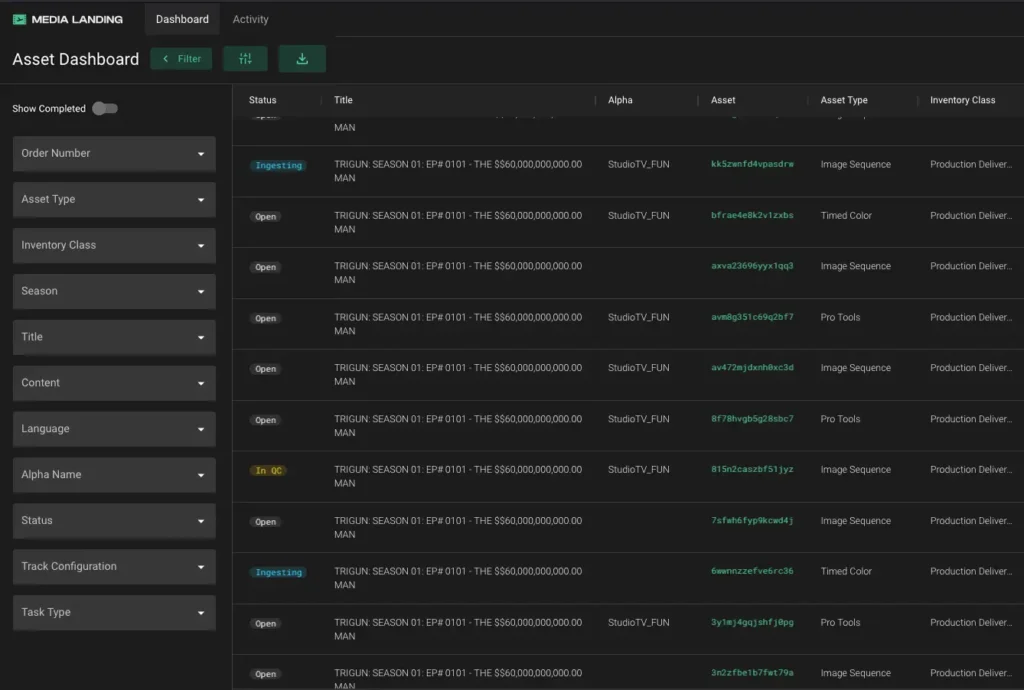
PLACEHOLDERS
Uploading files to Media Landing is based on a user selecting Placeholders that have been pre-populated in the Asset Dashboard, and already include the associated title and technical metadata.
Placeholders ensure that files transferred to Sony Pictures will have uniform naming conventions and comprehensive technical metadata.
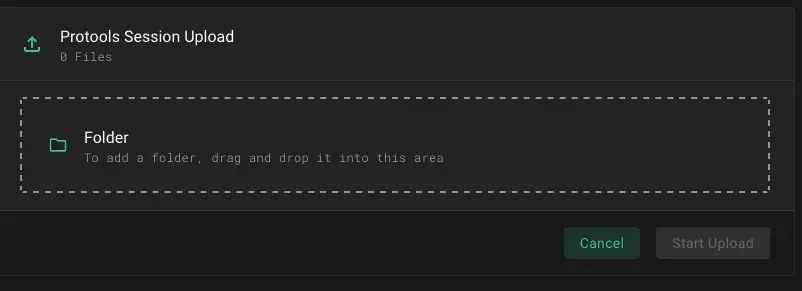
For more information, see the knowledge base article, “Using Placeholders.”
FILE TRANSFERS
When initiating a file transfer in the portal, an initial check is run to confirm that the asset matches the Placeholder’s specifications. If assets fails this initial check, you will need to correct the issue. If the assets pass the initial check, you can start the upload.
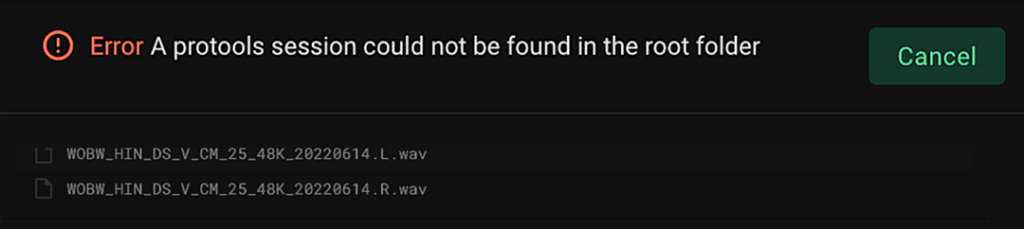
For more information, see the knowledge base article, “Using the Asset Dashboard.“
MONITORING
You can monitor the status of the files you’ve uploaded via the Activity Logs. For example, you can see whether the file transfer is in-progress, completed, and even its QC status.
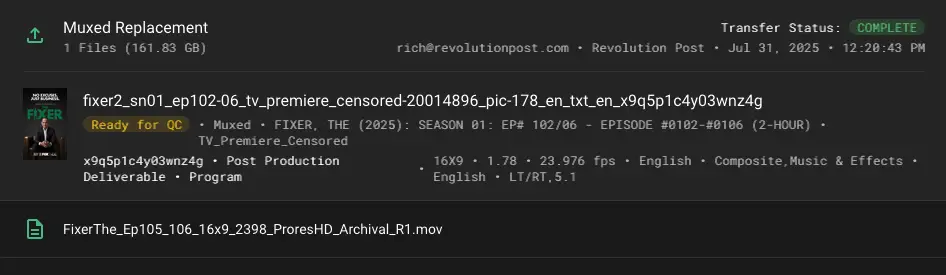
For more information, see the knowledge base article, “Viewing the Activity Logs.”
REPLACEMENTS
If a file needs to be replaced this can also be done via the portal. A user simply finds the Placeholder related to the original delivery, then uses the Replace function to upload the new file.
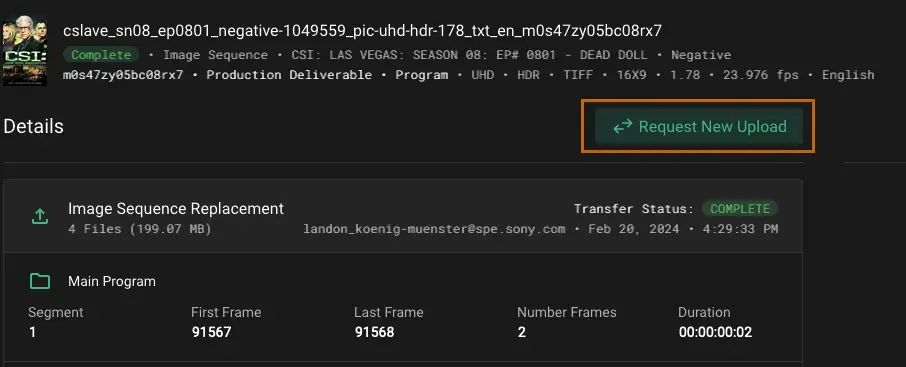
For more information, see the knowledge base article, “Replacing an Asset.”
JUST THE START
Sony Pictures will continue to add enhancements to Media Landing to expedite the process of delivering files to the studio. Please visit the What’s New section of the knowledge base to stay up to date on the latest features and training materials.